Before you choose billing software, run these 7 checks.
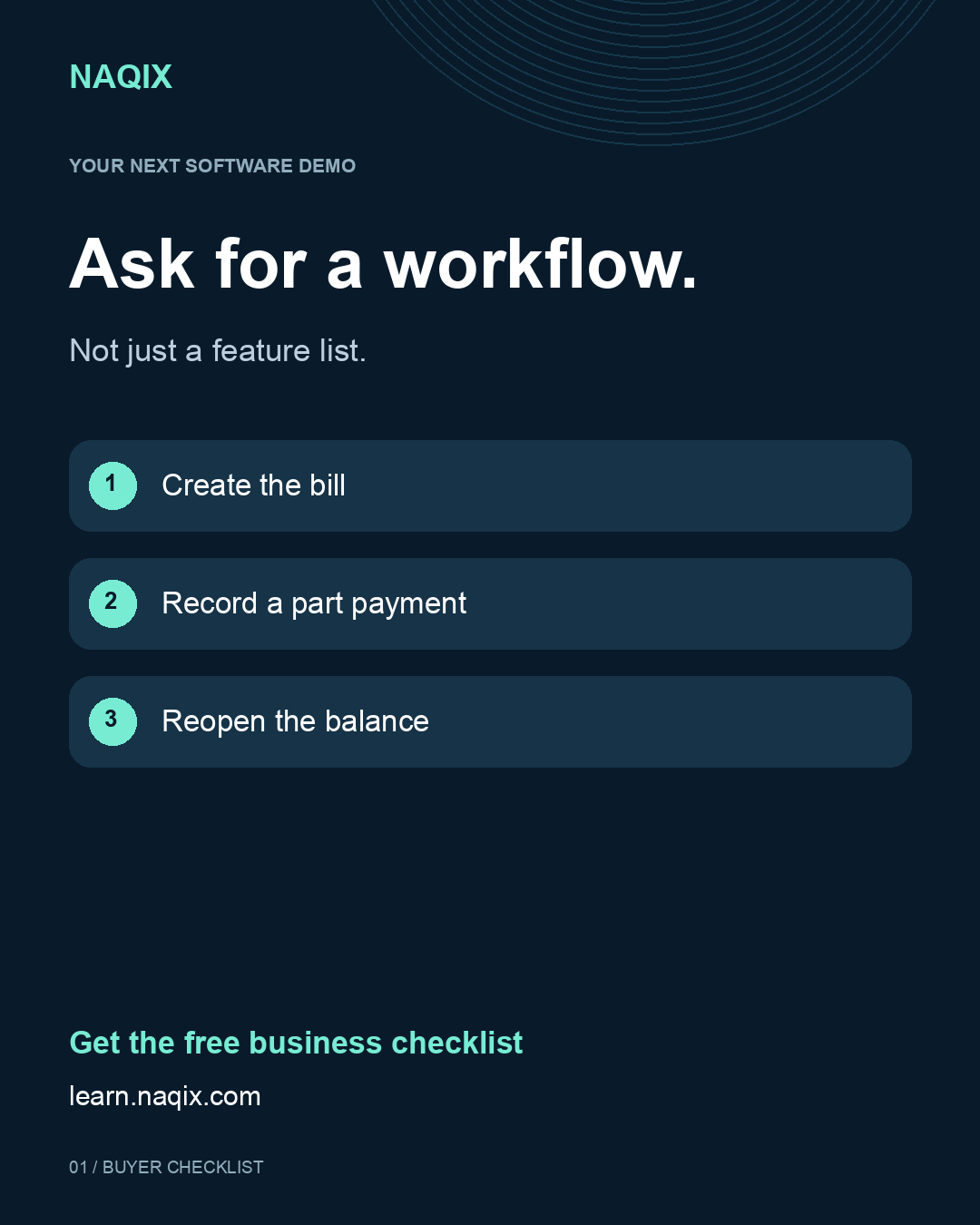
A practical demo checklist for shop owners: invoices, returns, stock, payments, reports and data access.
Read the guide → NAQIX
NAQIXPractical guides to billing, stock and your daily close. Know what to check before you choose your next business system.
Get the free checklist ↓READ. CHECK. ASK.
A practical demo checklist for shop owners: invoices, returns, stock, payments, reports and data access.
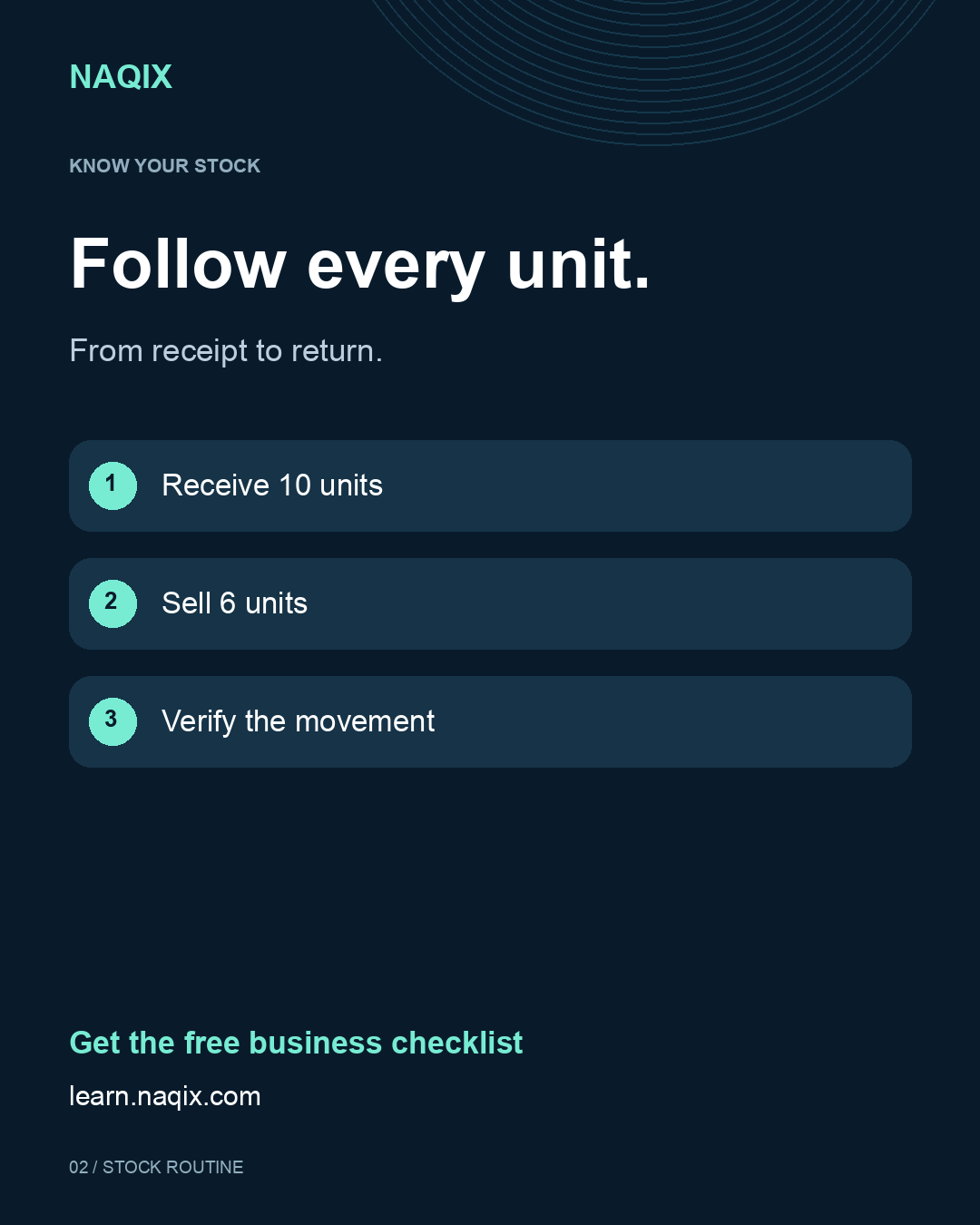
Read the guide →Five practical stock checks to investigate differences between your inventory records and physical stock.
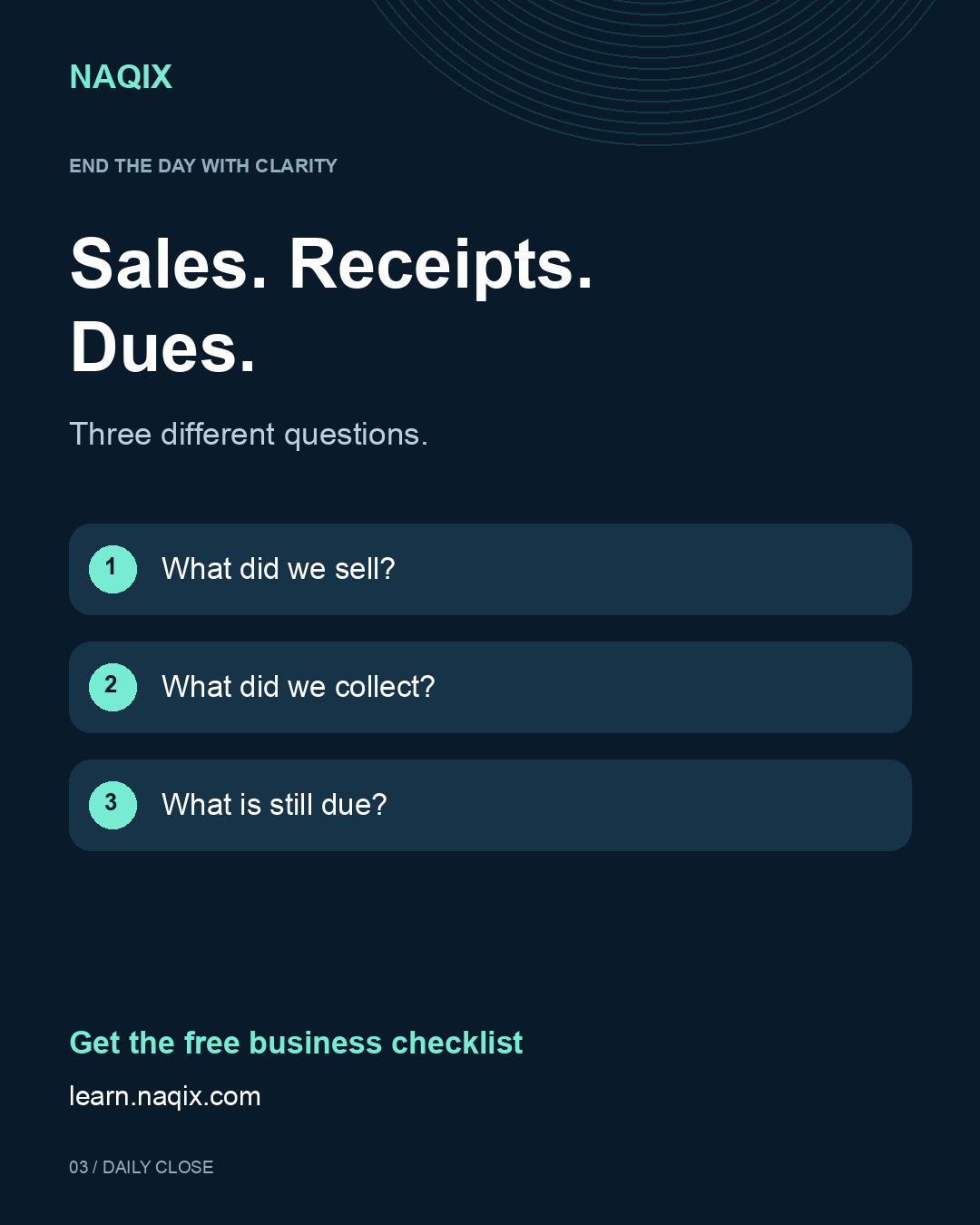
Read the guide →A practical daily close checklist for invoices, receipts, outstanding balances and exceptions.
Read the guide →Take a simple scorecard into your next software demonstration. Check saved records, returns, part payments, stock and reporting.
Download the checklistUse this as a quick reminder. No sign-up needed.
Illustrative quantities. Use the same unit, location and cut-off time.
SHARE THE CHECKLIST
Bring a sample invoice, a stock question and your daily reporting needs to a guided NAQIX demonstration.
Explore NAQIX and request a demo →These are business checklists to help you ask better questions. For a product walkthrough, request a demonstration of your required workflows.
Yes. Download it directly without registering.
Confirm your selected edition, modules, devices and implementation scope with the NAQIX team.